To view LIDAR data which has been gathered along the railway network you need to open the LIDAR map layer. perhaps zoom in a little to make the index visible, click on a LIDAR polygon and open its link to the 3D point cloud. Here are the step-by-step instructions:
Open the LIDAR map layer
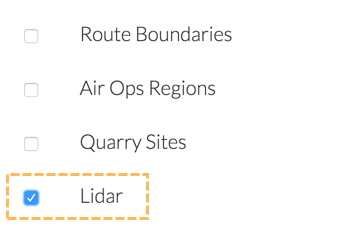
Open the Map Layers control from the right hand side of the Routeview screen and click the checkbox next to the Lidar layer:
This will make visble a layer of blue polygons
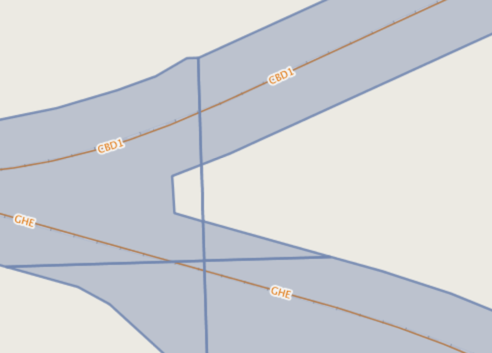
If these polygons are not immediatesly visible, zoom into the map. They are only displayed when you reach more detailed map scales.
Select a LIDAR polygon
Use the Feature Information Tool to inspect a lidar polygon. Select it from the tool bar on the right hand side of the Routeview window
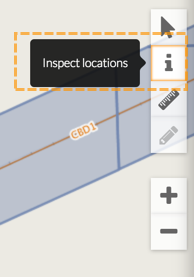
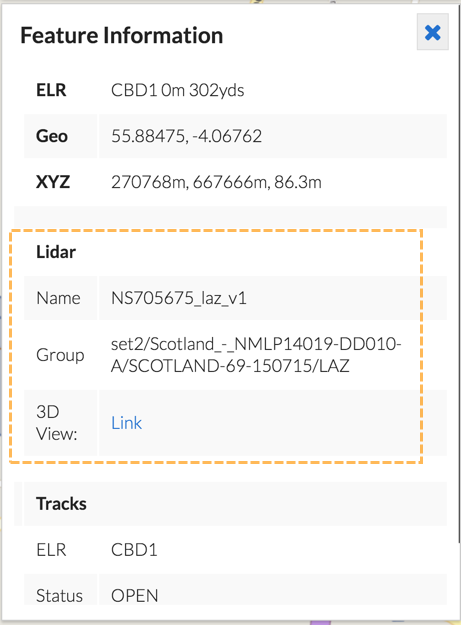
Then click on one of the blue LIDAR polygons. In the Feature Information card on the left hand side of the window, all the attributes of all the visible map layers under the cursor when clicked will be displayed:
Open the 3D Point Cloud viewer
One of the attributes for the LIDAR layer is called 3D View, click on the Link text next to this label to open the viewer.
There is a separate guide on using the 3D viewer application.